OpenClaw LINE Connect

Fix OpenClaw LINE Plugin 404
One-Click Working Alternative

Connect your Local or Server-hosted OpenClaw to LINE Messenger in 1 minute. No extra server required (Cloud Free), keeping your data private (Privacy First).

How to integrate OpenClaw with LINE

Local & Private Execution
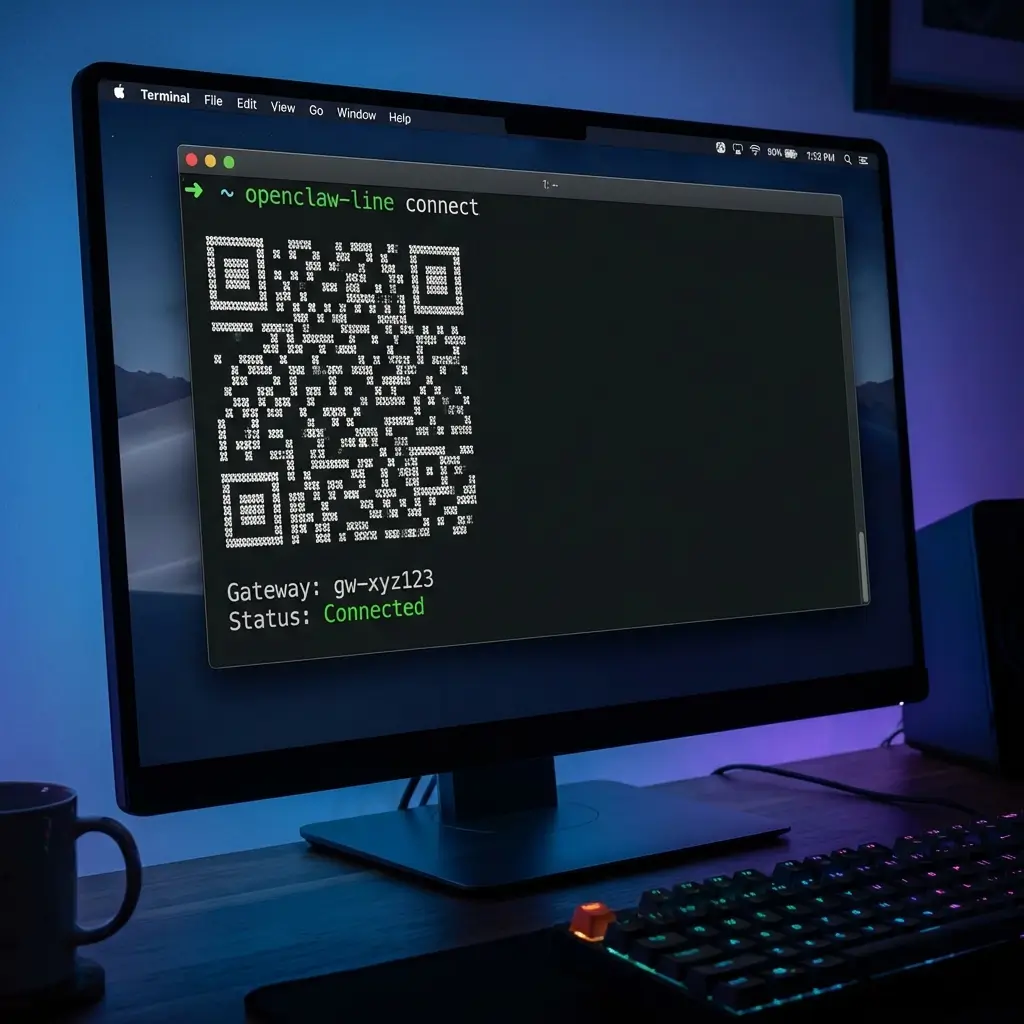
OpenClaw Terminal Interface
🖥️ Run on your local machine
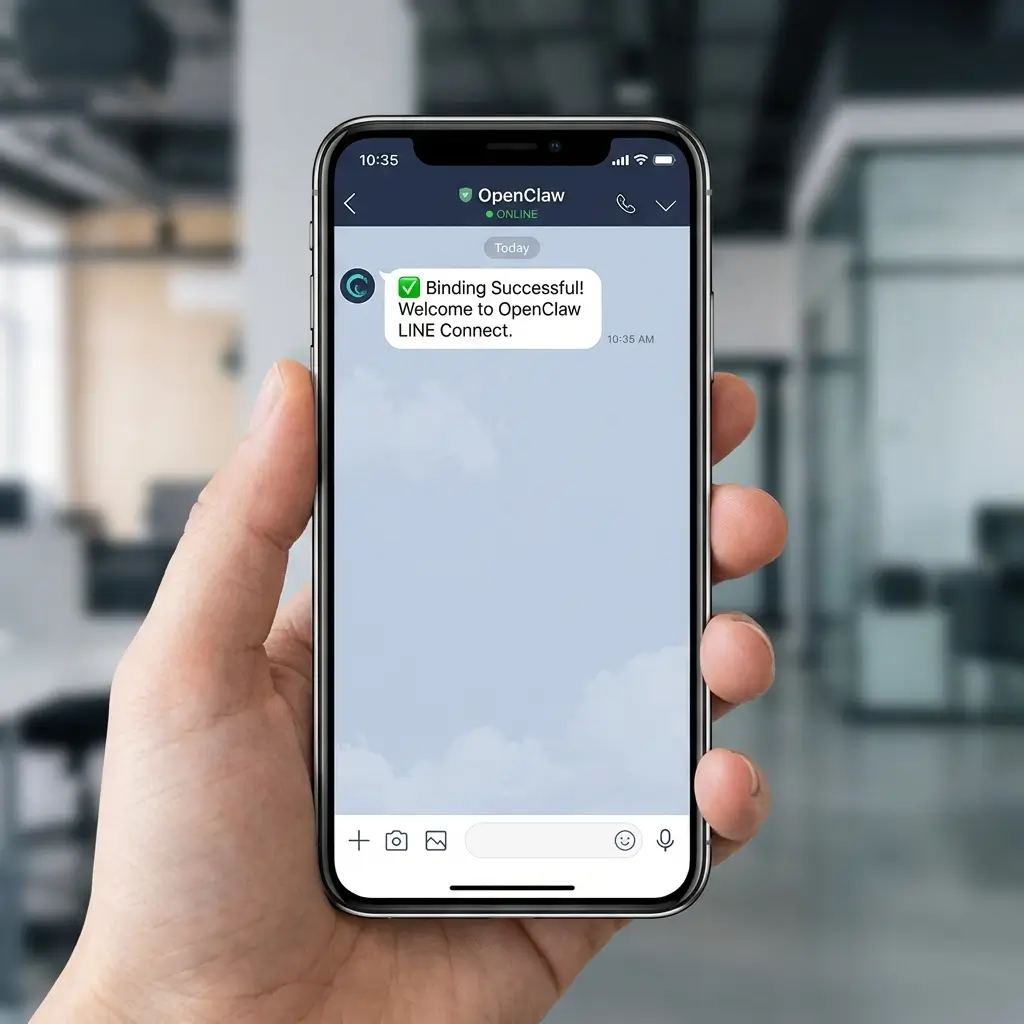
OpenClaw LINE Interface
📱 Chat via LINE instantly
Status: Connected
Prerequisite
$ curl -fsSL https://openclaw.ai/install.sh | bash
Install Connector (Unix)
$ curl -fsSL https://moltbot4line.nocory.ai/install.sh | bash
Install Connector (Windows)
> irm https://moltbot4line.nocory.ai/install.ps1 | iex
Supported Platforms
macOS
Windows
Linux
Raspberry Pi
Once installed, connect your local instance to our gateway:
$ openclaw-line connect
✅ Success! Gateway Connected.
Tunnel: https://...
Status: Online
🎉

All Set!

Open your LINE app and start chatting with your bot.

Official Plugin is Broken. We Fixed It.

The @openclaw/line npm package has been removed from the registry — every user gets a 404 error. We built the working alternative.

❌ Official @openclaw/line
$ openclaw plugins install @openclaw/line
🦞 OpenClaw 2026.1.29 — Claws out...
Downloading @openclaw/line…
npm pack failed:
npm notice Access token expired or revoked.
npm error code E404
npm error 404 Not Found - GET
https://registry.npmjs.org/@openclaw%2fline
- Not found
npm error 404 The requested resource '@openclaw/line@*' could not be found.
Installation failed
✅ OpenClaw LINE Connect
$ curl -fsSL https://moltbot4line.nocory.ai/install.sh | bash
✓ Downloading OpenClaw LINE Connect...
✓ Installing dependencies...
✓ Configuring webhook tunnel...
✓ Verifying connection...
🎉 Setup complete!
Gateway: Online
Webhook: Auto-configured
Server: Not needed
$ openclaw-line connect
✓ Connected to LINE OA
Ready in 60 seconds

Why Switch to OpenClaw LINE Connect?

@openclaw/line
LINE Connect
Installation
❌ Broken (npm 404)
✅ One command
Server Required
❌ Self-host with HTTPS
✅ No server needed
Webhook Setup
❌ Manual configuration
✅ Auto-configured
Configuration
❌ Complex JSON config
✅ Zero configuration
Platforms
❌ Node.js only
✅ Mac / Win / Linux / RPi
⚠️ Important Notice

Official @openclaw/line no longer works?

The official @openclaw/line npm package is broken due to unresolved API changes. OpenClaw LINE Connect is the actively maintained, working alternative — zero-config, one-click setup.

🔍 Technical Deep Dive

Why is the Official OpenClaw LINE Plugin Not Working?

Understanding the npm 404 error and why the official documentation no longer works.

The Problem

npm Package Removed from Registry

The official @openclaw/line npm package has been completely removed from the npm registry. Running openclaw plugins install @openclaw/line now returns a 404 error. The npm access token has expired, and the package is no longer downloadable.

The Consequence

Official Documentation is Outdated

The official LINE channel documentation still references the old installation method. Users following these docs encounter errors at the very first step. Additionally, the official method requires a self-hosted HTTPS server, manual Webhook URL configuration in LINE Developer Console, and complex JSON configuration — steps that are unnecessarily complicated.

The Solution

OpenClaw LINE Connect — Just Works

We built OpenClaw LINE Connect as a drop-in replacement. One curl command installs everything. No npm, no server, no Webhook configuration. Secure tunneling via Cloudflare handles all the networking automatically. Works with Ollama, LM Studio, and any OpenClaw-compatible AI.

Simple, Transparent Pricing

Start for free, upgrade for power features like Smart Reply fallback and Media support.

Hobby

$0 /mo
  • Unlimited Messages
  • Daily Quota: 30 Replies
  • Smart Push: 0
  • Standard Speed (Reply Only)
  • Text Only
Install Now
POPULAR

Pro

$5 /mo
  • Everything in Hobby
  • Daily Quota: 200 Replies
  • Smart Push: 20
  • Smart Fallback
  • Voice & Image (< 1MB)
Upgrade Now

Business

$19 /mo
  • Everything in Pro
  • Unlimited Usage
  • Smart Push: 100
  • Media < 20MB
  • Priority Support
Upgrade Now

Frequently Asked Questions

Q. Why does 'openclaw plugins install @openclaw/line' fail with npm 404?

The official @openclaw/line npm package has been removed from the npm registry, causing a 404 error for everyone who follows the official OpenClaw LINE documentation. OpenClaw LINE Connect provides a working alternative that installs with a single command — no npm required.

Q. Do I need to set up a Webhook URL to use OpenClaw with LINE?

No. With OpenClaw LINE Connect, webhook configuration is fully automatic. The official docs require you to manually configure the webhook URL in the LINE Developer Console and host your own HTTPS server. Our solution uses Cloudflare Tunnel to handle all of this behind the scenes — zero manual webhook configuration needed.

Q. Do I need my own server to connect OpenClaw to LINE?

No. The official @openclaw/line approach requires you to self-host a gateway server with HTTPS. OpenClaw LINE Connect eliminates this entirely — your AI runs on your local machine and we handle the cloud routing through our secure gateway. No VPS, no domain, no SSL certificate needed.

Q. What is OpenClaw for LINE?

It is the seamless bridge between your local OpenClaw AI and LINE Messenger. It eliminates the need for public servers, SSL certificates, or complex network configuration, allowing you to access your private LLM from LINE instantly.

Q. How does OpenClaw for LINE work?

It establishes a secure, outbound-only tunnel (via Cloudflare). No need for ngrok or manual Webhook configuration. Once connected, you can chat with your LINE OA immediately. This solves the "Public IP" problem while ensuring your data remains private and processes locally.

Q. Why choose this over the official @openclaw/line?

The official @openclaw/line npm package is no longer functional due to unresolved API breaking changes. Even when it did work, it required 6-7 complex steps (server setup, domain verification, etc. - see Official Docs). Our solution offers a One-Click Installation that takes seconds and is actively maintained.

Q. Is the connector secure?

Yes. We use Cloudflare Tunnel to establish a secure, encrypted connection without opening any inbound ports on your firewall. All traffic is protected by Enterprise-grade TLS encryption, ensuring your data remains private and secure during transport.

Q. Can I use this with Ollama or other local LLMs?

Yes! OpenClaw LINE Connect works with any AI that runs through OpenClaw — including Ollama, LM Studio, and other local LLM runtimes. Connect your Ollama models to LINE Messenger without any server or cloud setup.

Q. What is OpenClaw?How is it related to Moltbot、Clawdbot?

The project started as 'Clawdbot', was renamed to 'Moltbot' (symbolizing growth), and finally evolved into 'OpenClaw' to emphasize its open-source nature. This matches the core project renaming while keeping the 'Claw' heritage! 🦞